
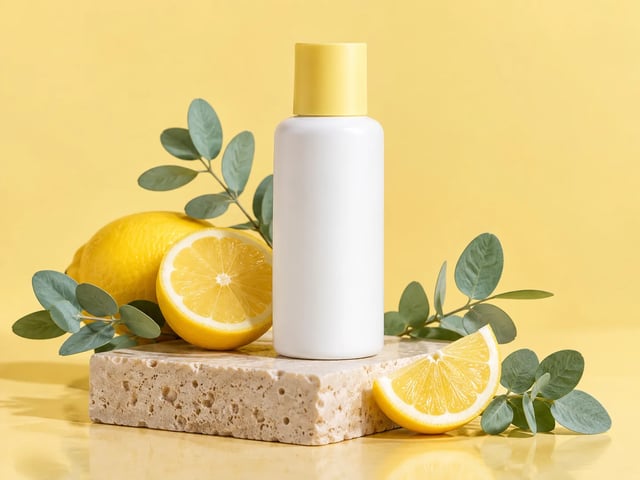
Online shops: the product in a styled scene
Upload the product photo plus a few props or mood images, describe the setting, and get a listing image where the product still matches the real thing.
The upgrade to Nano Banana 2. Start with Nano Banana 2 right here: combine up to 14 reference images, keep faces and products consistent, and get sharp text inside the picture.
Production preview
Nano Banana 2.1 is the upgrade to Nano Banana 2 (Gemini 3.1 Flash Image), the all-round Nano Banana model for creating and editing images. It builds on what made Nano Banana 2 useful: many references in, one consistent picture out, text you can read, and sizes up to 4K.
The generator above opens on Nano Banana 2, the model Nano Banana 2.1 builds on. The same picker holds Nano Banana Pro for detail-heavy professional work, Nano Banana 2 Lite for fast drafts, and the original Nano Banana.
What each one lets you do, with an example.
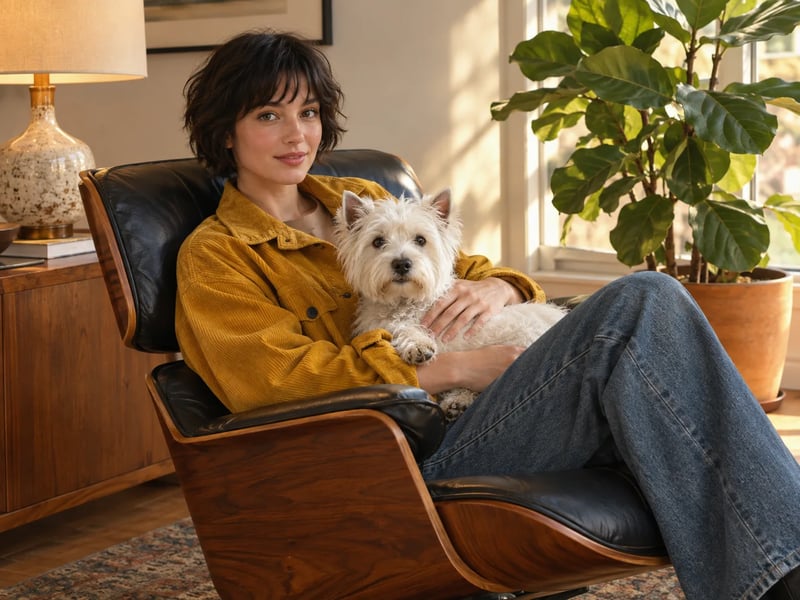
Upload a person, an outfit, a pet and a chair, then describe the scene you want them in. Google says Nano Banana 2 keeps up to five characters and 14 objects consistent in one workflow, so the people and products in the result still look like the ones you uploaded.
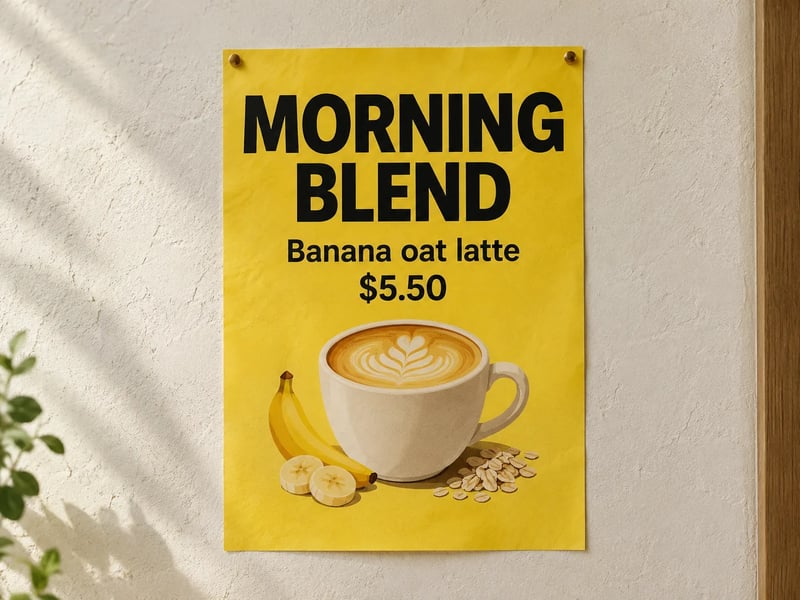
Posters, menus, packaging and greeting cards only work when the words are right. Nano Banana 2 renders headlines and labels cleanly, and Google says it can rewrite the text in an image into another language while the layout stays put.
Nano Banana 2 offers 14 aspect ratios, from a tall 1:8 banner to a wide 8:1 strip, plus the everyday 1:1, 9:16 and 16:9. Draft at 1K, then run the version you like again at 2K or 4K on a paid plan for print or a large screen.
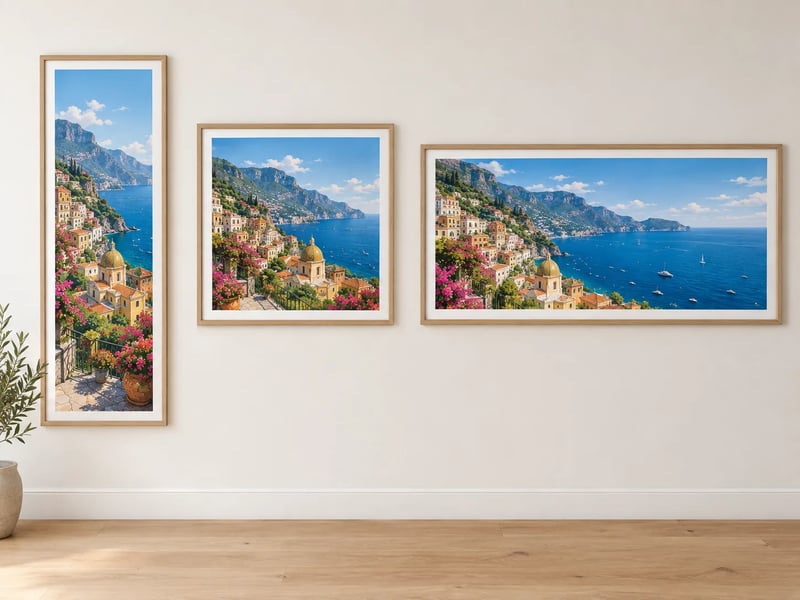
Describe it, add references if you have them, pick a size, download.
Write the scene, the style and any words that should appear in the picture. Put exact text in quotes so it is spelled the way you want.
Drop in up to 14 images of people, products or places. Refer to them as Image 1, Image 2 and so on in your prompt to say what goes where.
Nano Banana 2 is selected by default. Switch to Pro, Lite or the original Nano Banana from the same menu, then pick the aspect ratio and size: 1K on any account, 2K and 4K on paid plans.
Run it, compare the result with your references, and adjust one line of the prompt if something is off. Download the image when it looks right.
All four sit in the same picker on this page. Nano Banana 2 is the default.
| DefaultNano Banana 2Balanced quality and speed for most jobsUse Nano Banana 2 | Nano Banana ProComplex scenes and brand work where accuracy comes firstPick it in the generator | Nano Banana 2 LiteThe quickest drafts and high-volume ideasPick it in the generator | Nano BananaThe original model for quick, casual editsPick it in the generator | |
|---|---|---|---|---|
| Best for | Everyday creating and editing | Detailed professional images | Fast drafts and thumbnails | Light experiments |
| Reference images | Up to 14 | Up to 8 | Up to 10 | Up to 10 |
| Output size | 1K, 2K, 4K | 1K, 2K, 4K | 1K | 1K |
| Credits per 1K image | 8 | 20 | 4 | 4 |
Start from words, a photo, or both.
Start from a sentence when you have no photo yet. Name the subject first, then the setting, the light and the style, so the most important part leads the prompt.
Upload a single picture and describe only the change: a new background, a different outfit, a cleaner table. Everything you do not mention stays as it was.
Upload your character once and reuse the same reference for every scene, so the face and outfit match across a comic page, a storyboard or a set of posts.
Write any text that should appear in the picture inside quotes, and say where it goes, such as "headline at the top" or "label on the bag".
Product shots, recurring characters, localized packaging and social images.
Upload the product photo plus a few props or mood images, describe the setting, and get a listing image where the product still matches the real thing.
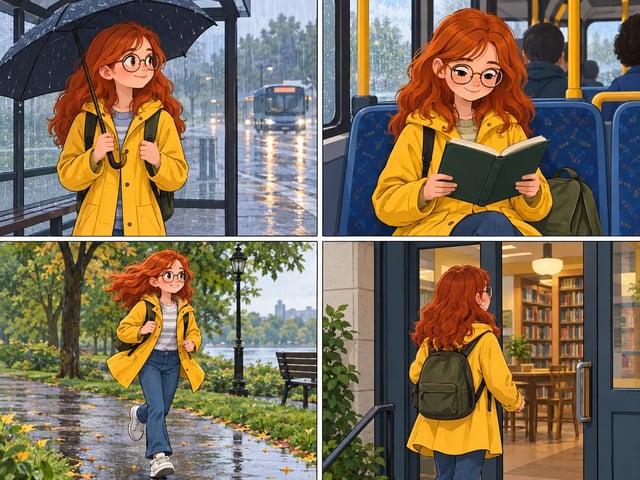
Upload your character once and describe each panel. The same face, hair and outfit carry from the bus stop to the library door.
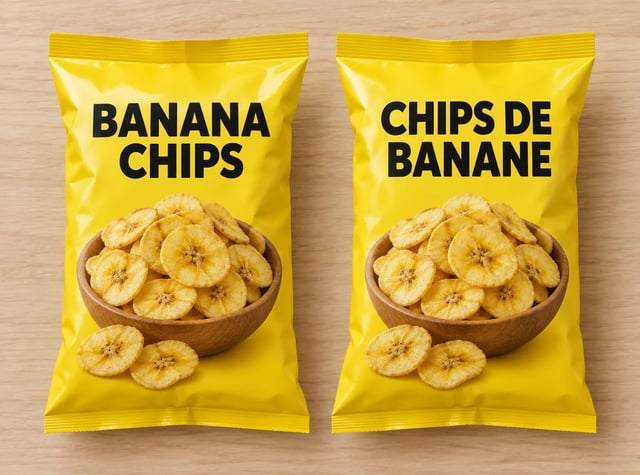
Upload the finished pack or poster and ask for the text in French, Spanish or Japanese. The layout, colors and photo stay as they were.
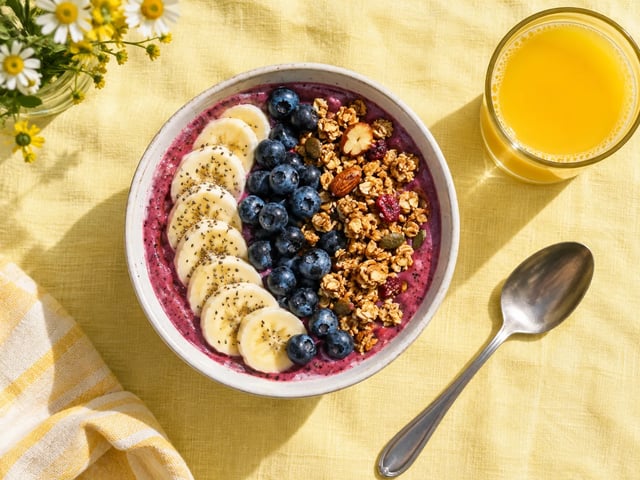
Generate the same idea as a square post, a 9:16 story and a 16:9 cover, then download each one at the size you need.
New accounts get 10 free credits for a first image. Pick a plan when you want more.
Enjoy Limited-Time 30% OFF!
The upgrade to Nano Banana 2, the all-round Nano Banana image model. On this site you can start creating right away with Nano Banana 2, which already handles 14 references, clean text and 4K.
Nano Banana 2.1 is the next step in the Nano Banana 2 line. The abilities described on this page, such as 14 references, readable text and 1K to 4K output, come from Nano Banana 2, which is the model the generator uses by default.
The generator opens on Nano Banana 2, the model Nano Banana 2.1 builds on. The model menu shows exactly which one is selected, and you can switch to Nano Banana Pro, Nano Banana 2 Lite or the original Nano Banana at any time.
Up to 14 with Nano Banana 2. Nano Banana Pro takes up to 8, and Nano Banana 2 Lite and the original Nano Banana take up to 10.
Yes. Write the exact words in quotes in your prompt. For an existing image, upload it and ask for the text in another language to localize it.
Nano Banana 2 offers 14 aspect ratios from 1:8 to 8:1, including 1:1, 9:16 and 16:9. Every account can generate at 1K; 2K and 4K are available on paid plans.
New accounts get 10 free credits, enough for a first 1K image with Nano Banana 2. Free images carry a watermark. After that, pick a plan from the pricing table.
Yes, on a paid plan: paid plans include commercial use and images without a watermark. Make sure you have the rights to any photos, logos or likenesses you upload.
Up to 14 images in with Nano Banana 2, from 1K drafts to 4K finals on paid plans.